Free Loop
2023/04-2023/06
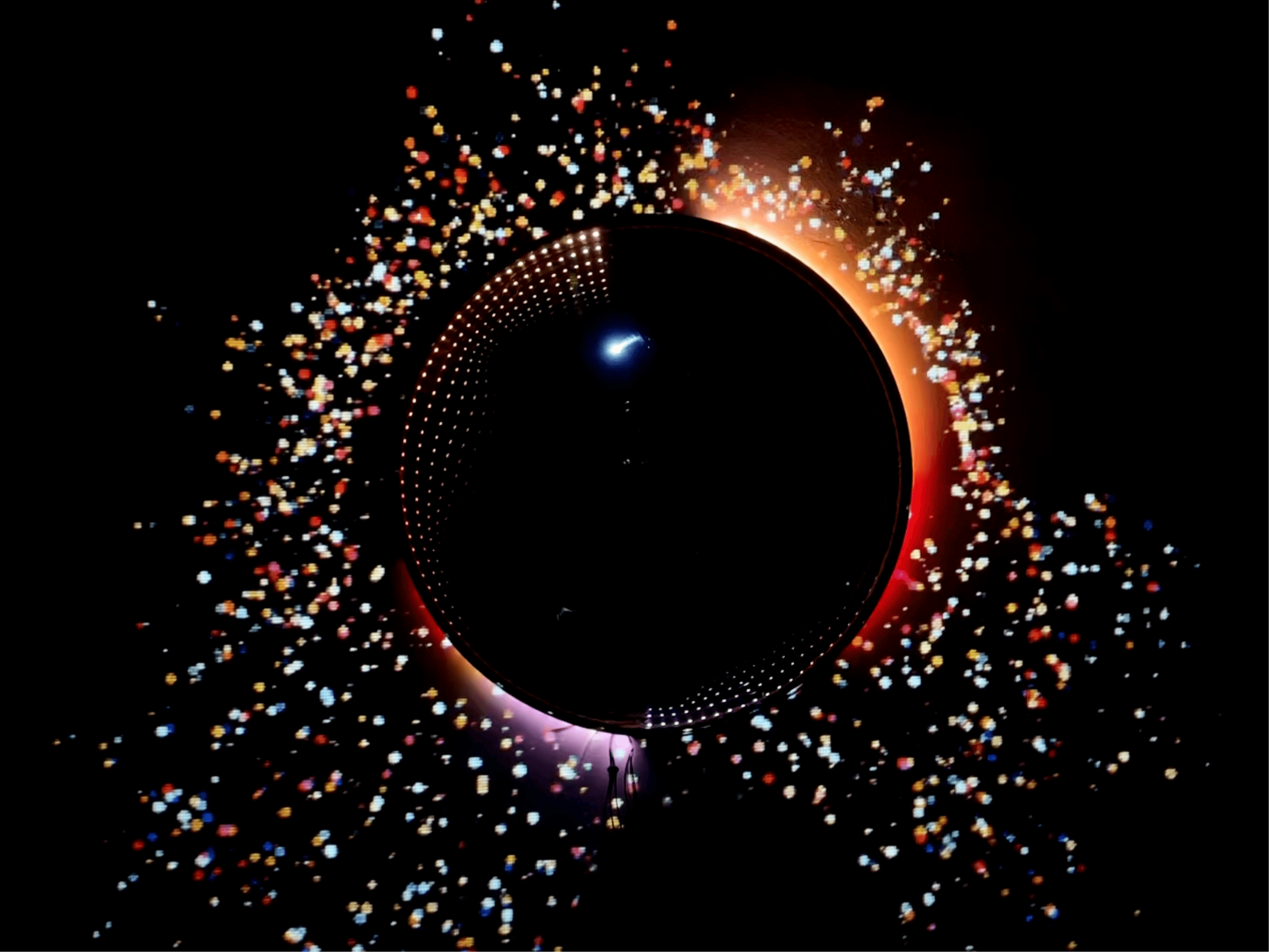
An interactive installation that transforms drawings into music and visuals to explore emotion.
TEAMWORK | ROLE: INTERACTION DESIGN · CREATIVE CODING · PROTOTYPING
Type
Interactive Design
Installation
SUMMARY
Problem — Emotions are often difficult to express and communicate beyond words.
Approach — Built an interactive system that translates drawings into sound and visuals using AI and generative media.
Outcome — Creates a unique audiovisual experience that enables intuitive emotional expression.
PROCESS
STEP 1
Data & Emotion Framing
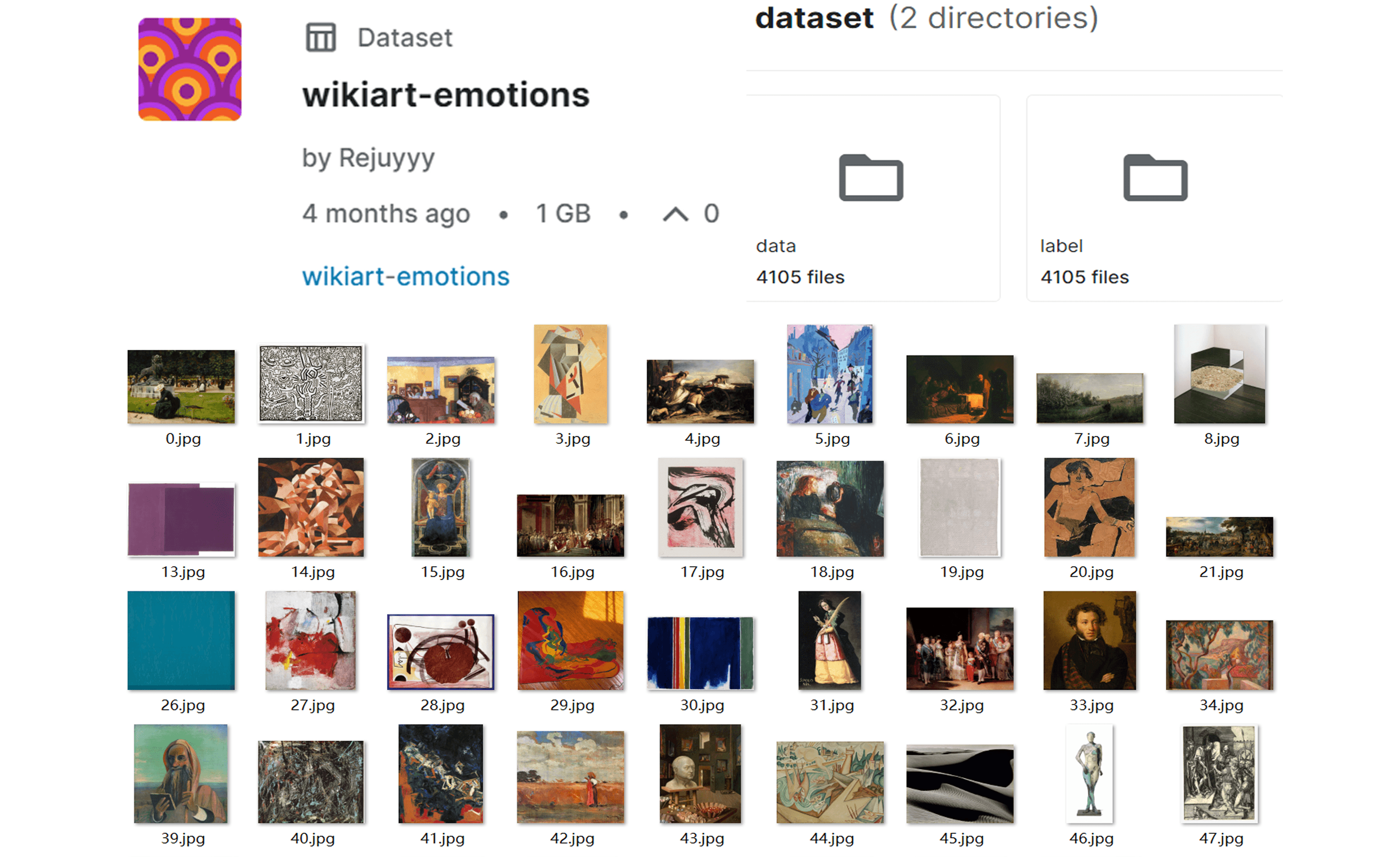
We began by collecting and preparing image datasets, combining sources such as WikiArt Emotions and AI-generated images. These datasets were labeled to establish a connection between visual features and emotional categories, forming the foundation for emotion recognition.
STEP 2
Early Modeling
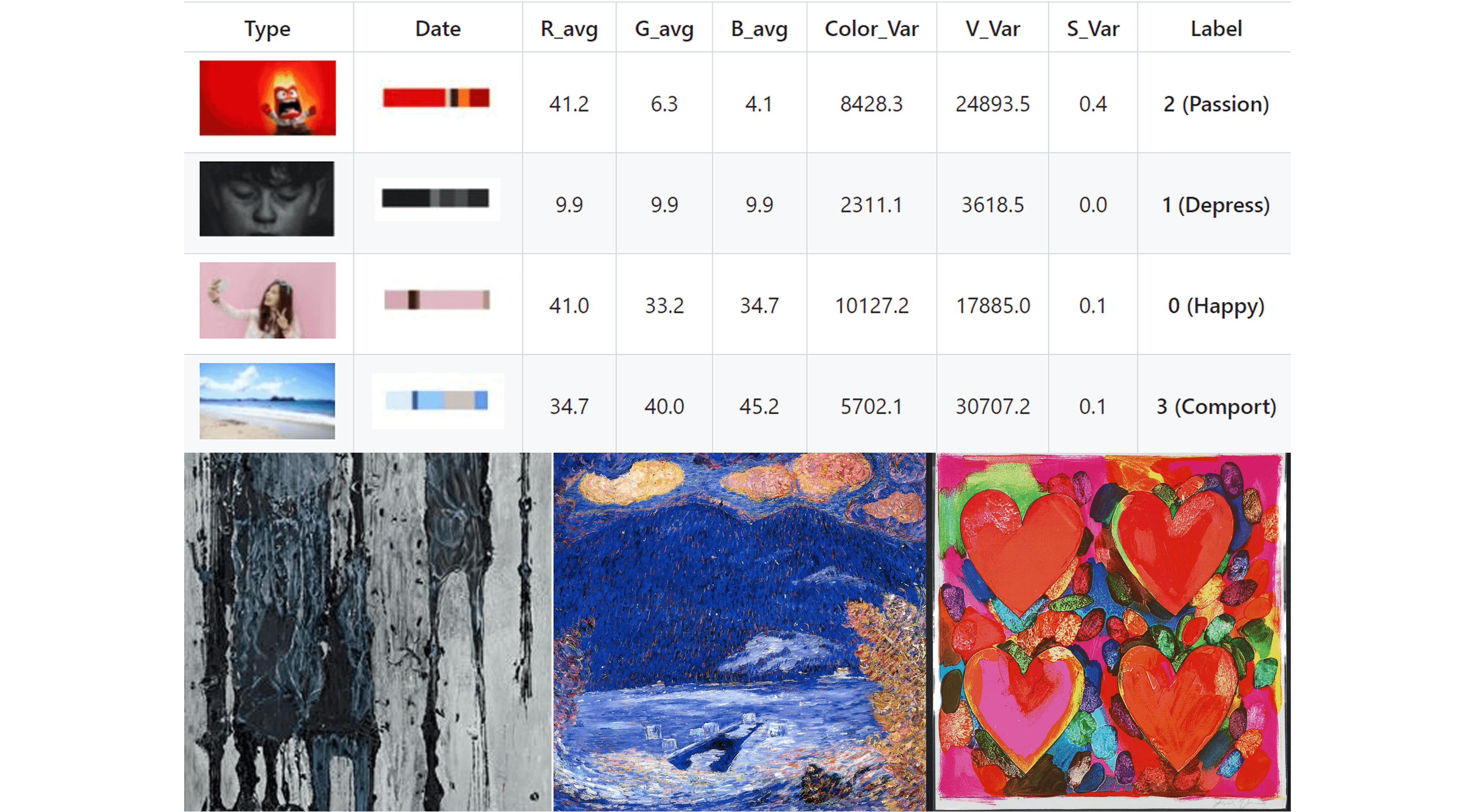
We experimented with a Random Forest model to classify images into discrete emotional categories. This provided an initial understanding of how visual inputs could be translated into emotional outputs.
STEP 3
Model Shift & Development
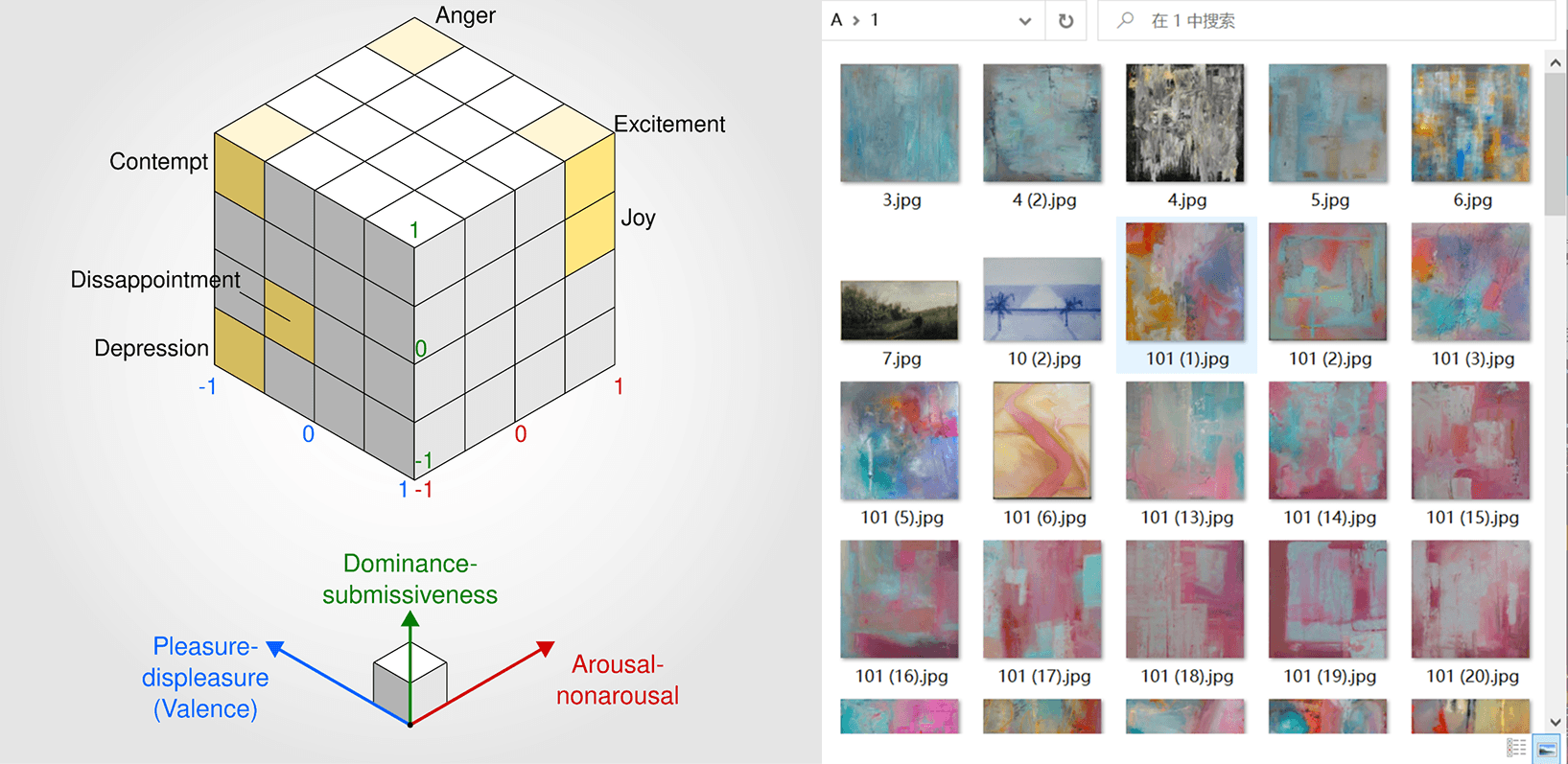
Through testing, we found that fixed categories were too limited. We shifted to the PAD (Pleasure–Arousal–Dominance) model to represent emotion as continuous values. A DenseNet121-based model was then trained to predict emotional dimensions from drawings, improving both accuracy and expressiveness.
STEP 4
System Mapping (Emotion → Output)
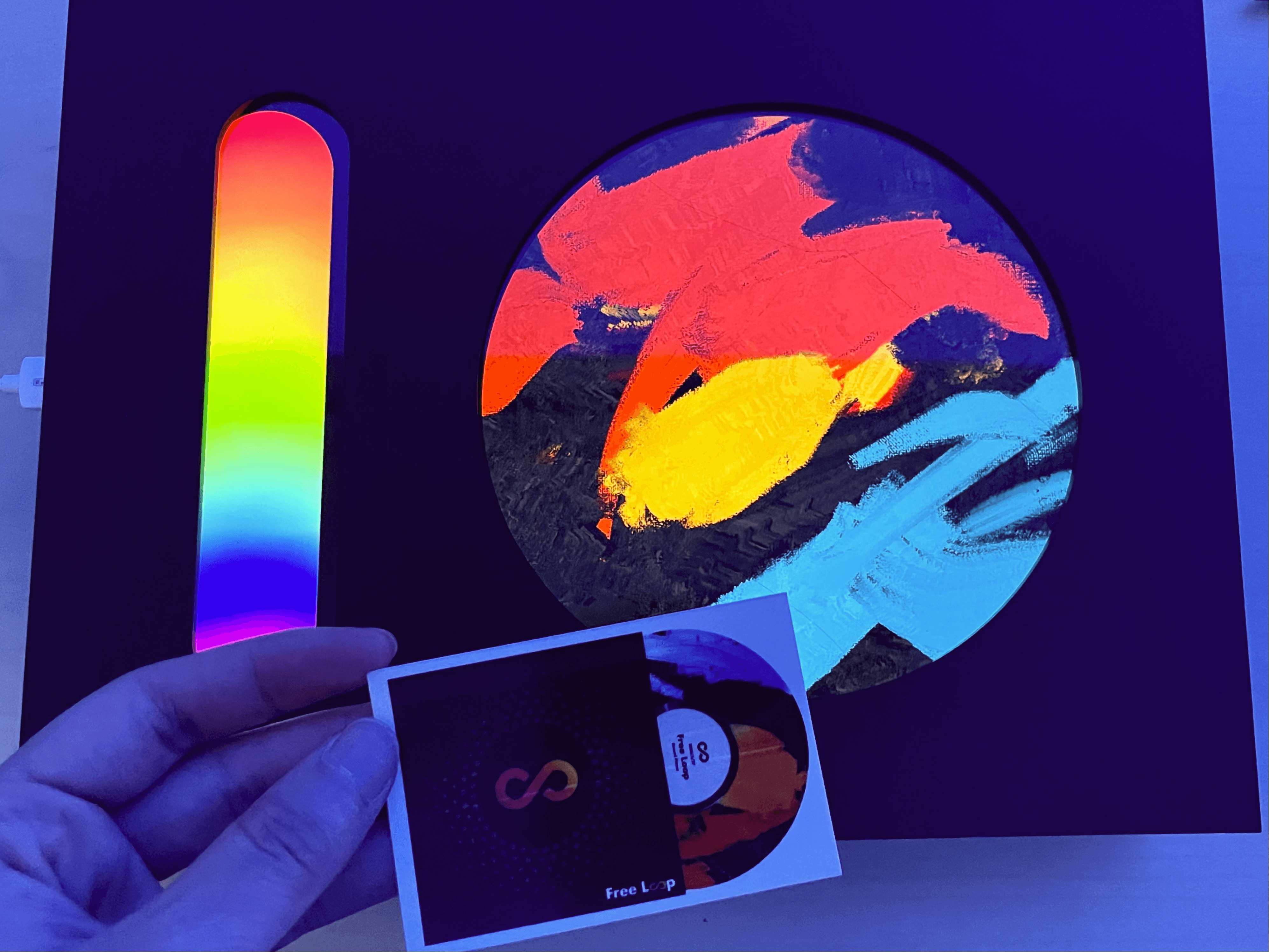
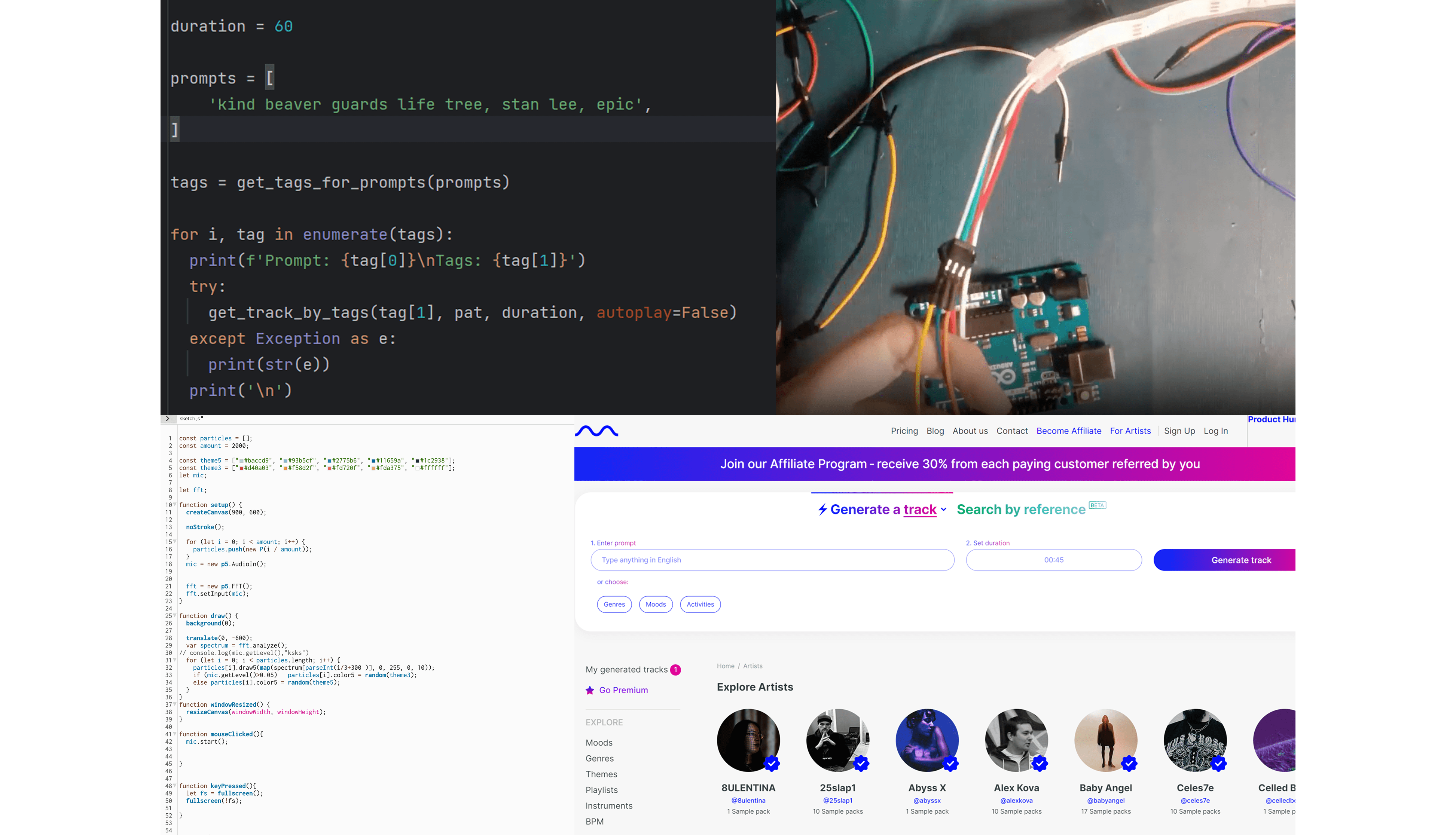
We mapped emotional data to audiovisual outputs. Predicted emotional values were translated into musical parameters using the Mubert API, while visual behaviors were generated through p5.js. This created a system where each drawing produces a unique combination of sound and motion.
STEP 5
Hardware Integration & Prototyping
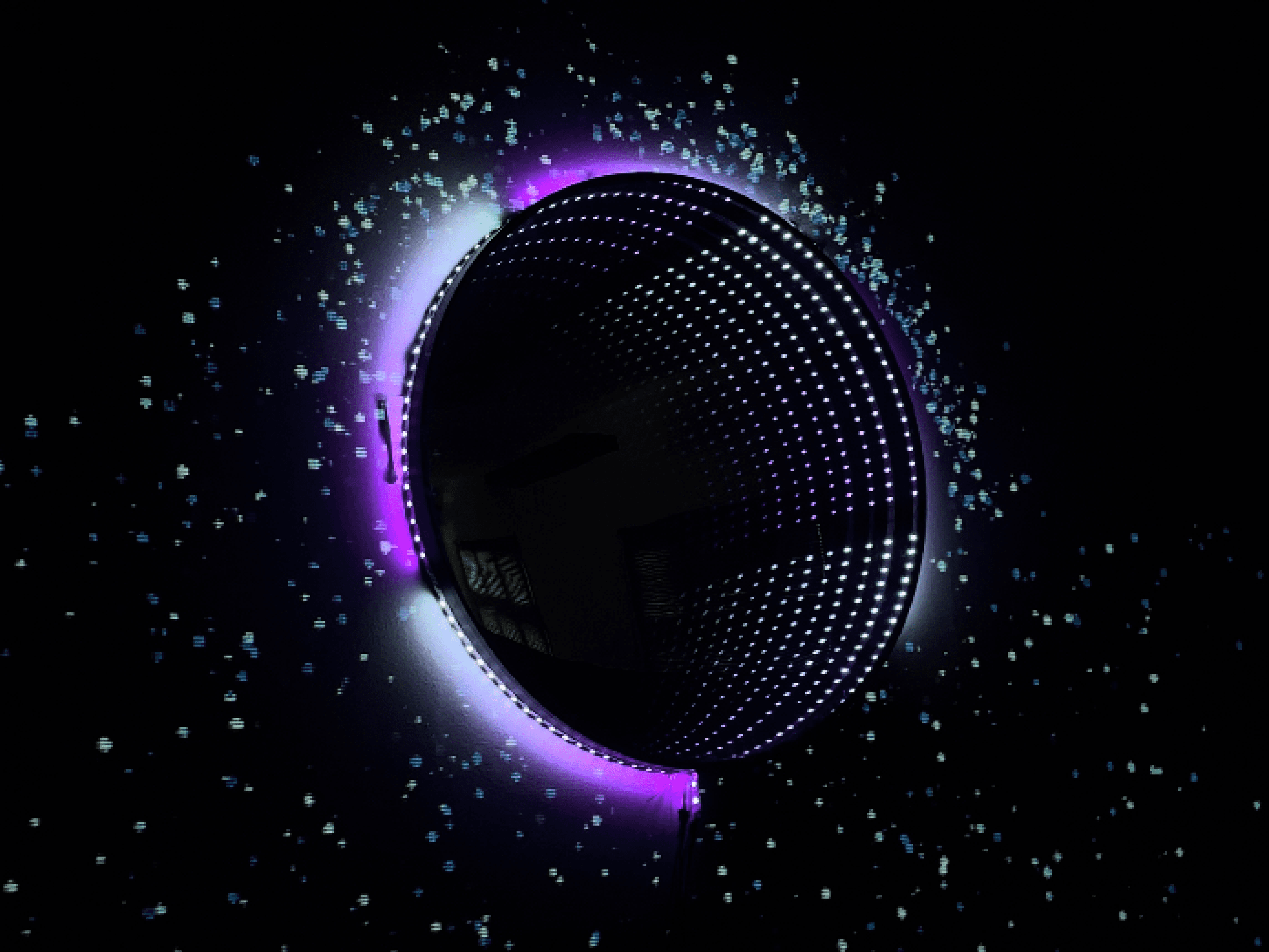
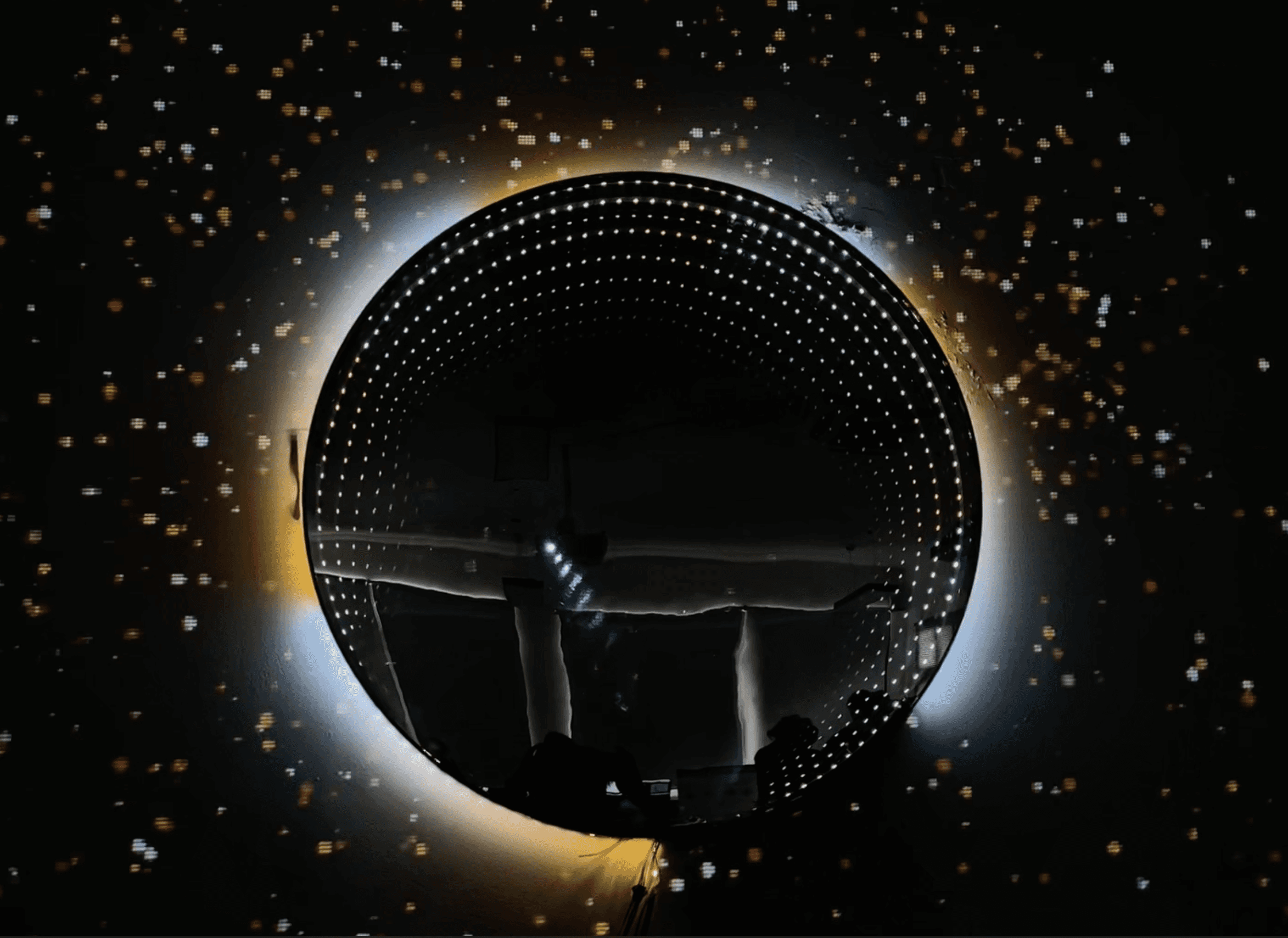
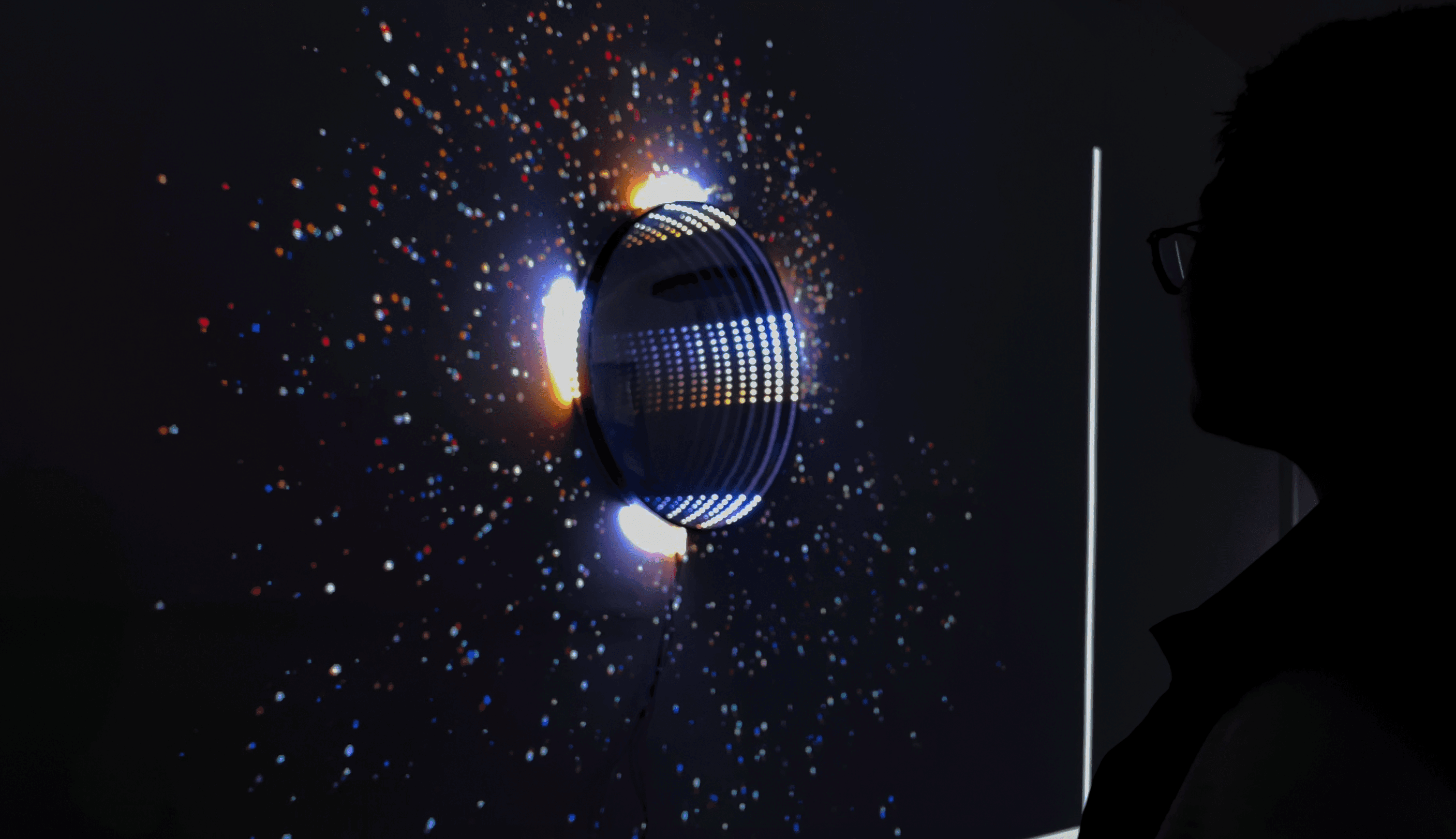
We connected the digital system to a physical installation. Using Python as a bridge, we linked the p5.js visual system to Arduino-controlled LED strips. We built circuit connections, assembled hardware components, and constructed the physical structure of the installation, integrating light, projection, and interaction into a cohesive setup.

STEP 6
Testing & Refinement
We tested the system in real-world scenarios, focusing on communication stability, responsiveness, and user experience. This included debugging connections, adjusting light behavior, refining audiovisual feedback, and calibrating the overall interaction to create a smooth and immersive experience.
How it works ?

outcome
The installation was exhibited publicly, with over 110 visitors actively participating in the experience.